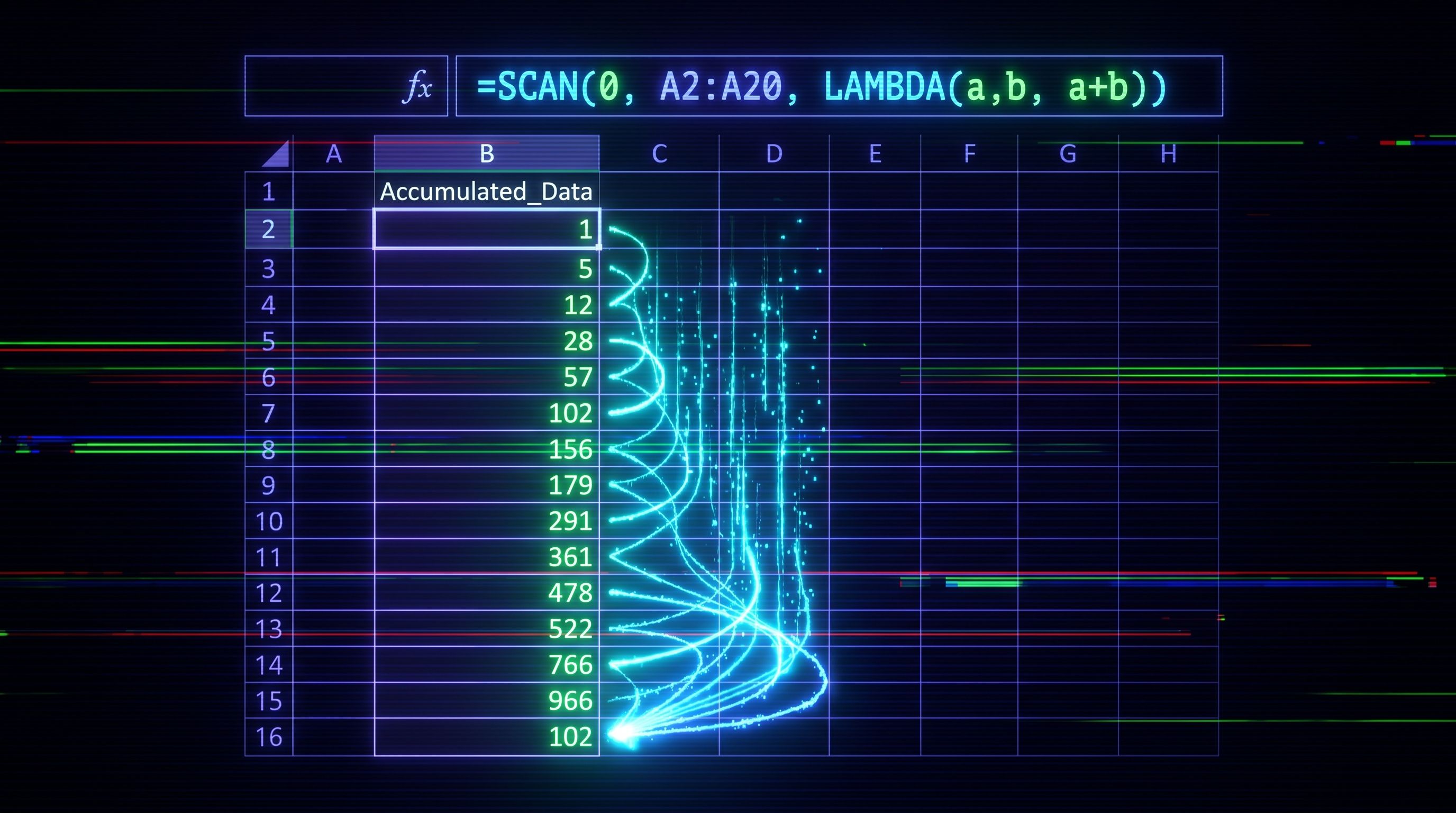
Running totals used to mean dragging a formula down, or using a clunky =SUM($B$2:B2) that breaks the moment someone inserts a row. SCAN ends that. One formula at the top of the column, the result spills down, and the column updates itself when rows change.
How to do it
You've got a table with a column of amounts in B2:B20. You want a running total in column C.
- Click cell C2.
- Type:
=SCAN(0, B2:B20, LAMBDA(acc, val, acc + val)) - Press Enter.
That's it. The running total spills from C2 to C20.
What happened: SCAN took a starting value of 0, ran through every value in B2:B20, and at each step added the current value to the accumulator. It returns every intermediate result, not only the final one. So C2 is 0 + first value, C3 is the previous total plus the second value, and so on down the column.
Why it works
The LAMBDA is the rule for how to combine the running total so far (acc) with the next value (val). SCAN applies that rule iteratively and hands back the full sequence of intermediate accumulations. No helper column, no copy-down, no anchored references that need babysitting.
If the source range is in a structured table, point SCAN at the table column reference instead: =SCAN(0, Transactions[Amount], LAMBDA(acc, val, acc + val)). The running total automatically extends as new rows are added.
When not to use it
If you need the running total inside the same table as a column (so it survives sorting and filtering as a per-row value), SCAN won't work - the spill is a single block of cells, not table-aware. For that case you want a calculated column in Power Query or a measure in Power Pivot, not SCAN