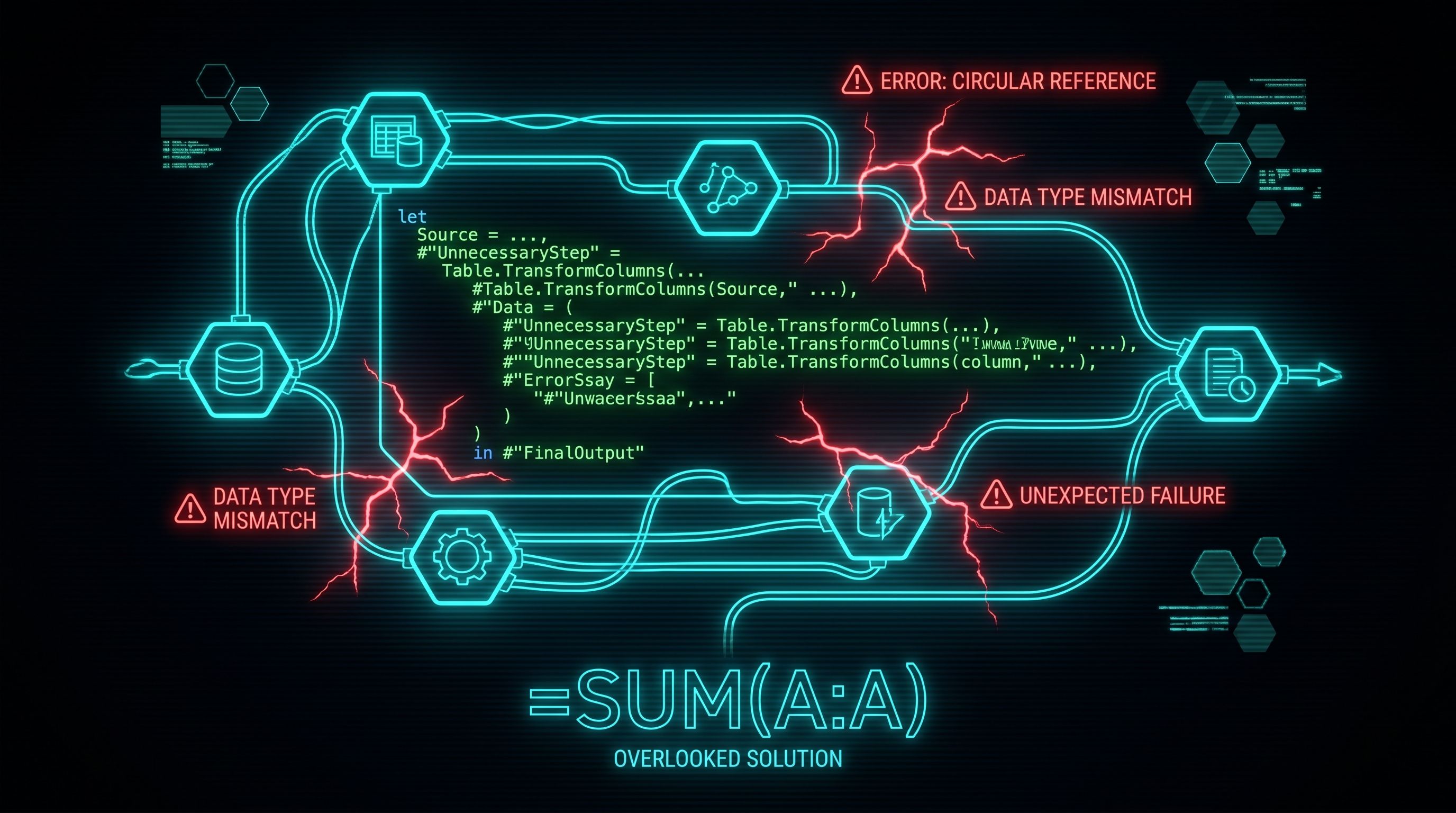
Power Query is a brilliant transformation tool and a mediocre everything else
Most of the M code I see in production is doing work that should have happened somewhere else entirely. Once that becomes obvious, the model gets faster, the code gets readable, and the next person to open the file has a chance at understanding what's in front of them.
Why everyone ends up in Power Query anyway
Because it's the first place you touch the data, and once you're already there, every problem looks like it can be solved with another step. Need a calculated column? Add it. Need to filter to last quarter? Add it. Need a running total? You're in Group By, Index Column, custom function territory now, but you're committed.
It also feels productive. The applied steps panel grows. The query "does more." You can see the work. DAX is invisible by comparison: one measure that looks the same whether it's doing a sum or a context-transition somersault. Python is a separate window, a separate language, a separate skill. Power Query is right there, in the same tool, with a friendly UI.
So it gets used for everything.
Where it actually breaks
Three failure modes show up over and over.
Calculations that should be measures. A column added in Power Query is materialised. It sits in the model, takes up memory, and gets computed every refresh whether anyone looks at it or not. A measure runs at query time, only when a visual asks for it. If you've added a Margin % column to a fact table with thirty million rows, you've added thirty million numbers to the model that DAX could have computed on demand from two existing columns.
Transformations that should be SQL. Power Query will happily join two tables of a million rows each. It will not happily fold that join back to the source, especially if you've added a custom step earlier in the chain. The query then runs locally, in memory, on your machine, every refresh. If the source is a database that could have done the same join in two seconds with an index, you've just moved a database job into a tool that isn't a database.
Logic that belongs in Python. Cleaning a single CSV before it lands in the model is fine. Implementing fuzzy matching across three sources with List.Accumulate and a custom function is not. The M is unreadable, untestable, and the next person who opens the file has no chance of safely changing anything.
The common thread is handover. M code is hard to give to someone else. There's no debugger. There's no real test framework. The error messages refer to "the previous step" without telling you which step. A query someone wrote eighteen months ago with twelve nested Group By operations is functionally write-only software.
Pick the tool by where the work actually belongs
Reshaping the source is Power Query's job: column types, unpivoting, splitting, light cleaning. Do it there.
Calculations that depend on filter context, slicers, or user interaction are DAX. Measures, not columns, unless there's a specific reason a column has to exist.
Heavy joins, aggregations, or anything the source database could do faster: push it back to SQL. A database view is more maintainable than a Power Query chain ten people will be afraid to touch.
Anything algorithmic, iterative, or needing real data structures goes in Python, either a notebook upstream or a Gen2 dataflow. M is not the language for any of that.
The test isn't whether Power Query can do this. Power Query can do almost anything. The real test is whether the next person to open the file can read what was written and change it without breaking it.
Frequently Asked Questions
Should I do calculations in Power Query or DAX?
Default to DAX measures. A measure runs at query time and adds nothing to the model size. A calculated column added in Power Query is materialised and sits in memory whether anyone uses it or not. Use Power Query for calculations only when the value needs to be sliceable as a dimension or fed into another transformation step.
Why is my Power Query refresh so slow?
Most often, the query isn't folding. Power Query tries to push transformations back to the source as native SQL, but custom steps, M-only functions, and some operations break the fold. Once it breaks, the rest of the query runs locally and pulls all the data into memory. Right-click a step and choose View Native Query to see whether the fold is still intact.
When should I use SQL instead of Power Query?
When the source supports it. If the data lives in a database, push joins, aggregations, and heavy filtering into a view or a stored query. The database is built for that work and will do it faster than Power Query running on a local machine. Power Query then becomes a thin shaping layer over clean source data.
Is Power Query M code production-grade?
For straightforward shaping, yes. For complex business logic, no. M has no debugger, no real test framework, and limited tooling for handover. If a query has more than fifteen steps, custom functions, or List.Accumulate logic, the maintainability cost has already exceeded the convenience.
Can I use Python with Power Query?
Yes. Power Query has a Run Python script transformation, and Power BI dataflows Gen2 support Python scripts as well. For algorithmic work or anything needing real libraries (regex beyond basics, fuzzy matching, ML scoring), this is almost always a better choice than fighting M to do it.
Where to go from here
For the M language fundamentals and where it's genuinely the right tool, see the Power Query series from April 27-29. For the alternative when M starts to creak, see Thursday's Between the Sheets on Python as the better choice (May 28).
Power Query is a transformation tool. Treat it like one, and stop asking it to be a database, a calculation engine, and a programming language at the same time.
