
Basic Reads. It Doesn't Write. That Distinction Is the Whole Product.
A colleague asked Copilot Chat to add a variance column and got a lovely explanation of how one would. Nothing in the file changed, and that is the whole product.
Tutorials, tips, and deep dives on Automation — every post from bianca.codes tagged Automation.
A colleague asked Copilot Chat to add a variance column and got a lovely explanation of how one would. Nothing in the file changed, and that is the whole product.

Pasting a formula into a chat window gets you a grammar lesson. Uploading the workbook gets you the branch nobody mentions until it fires at quarter end.

The pane closing was a surface change, not a licence change. Here is the tested map of what an unlicensed account can still do, and what it never could.

On 15 April 2026 the Copilot button vanished from Excel with no in-app notice. This is the dated six-row audit of which surfaces still answer you, which refuse, and which never could.

Two skills, the same effort to learn, wildly different payoff. Automation deletes its own evidence, which is why 'just tell them' never works, and what to do instead.
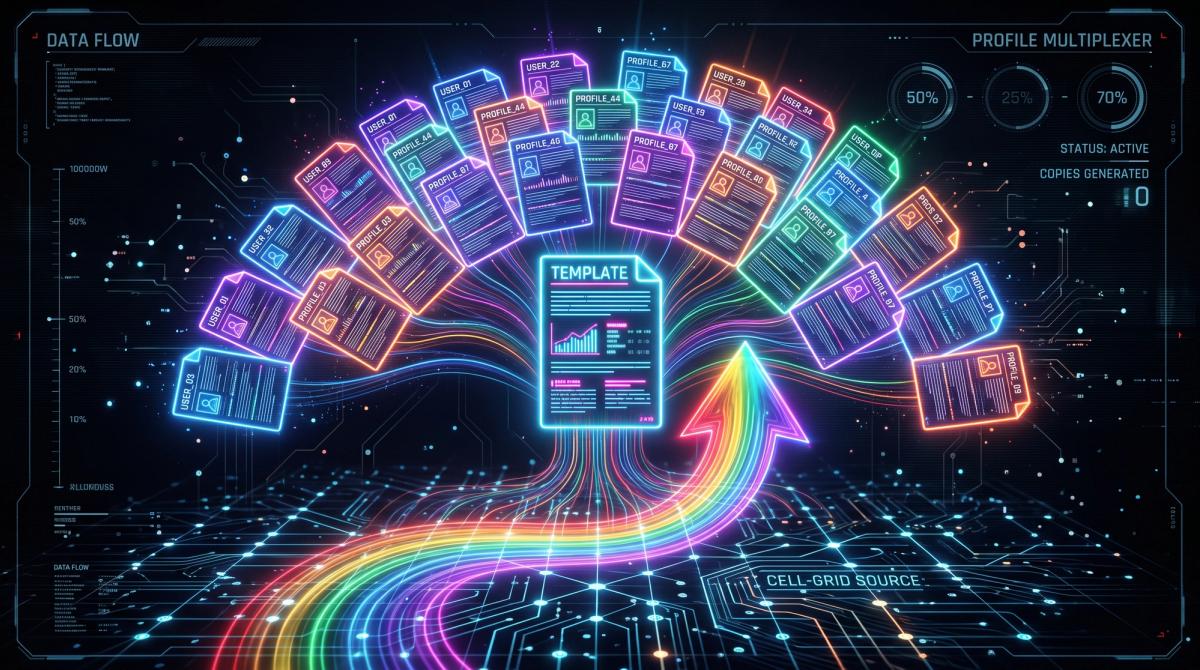
One clean Excel table and a Word template are all it takes for forty personalised reports, once the wizard is driven properly.

Most people learn Power Query by clicking through wizards. Nobody explains what it's actually doing - and that gap is why queries break in confusing ways.
A formula with six nested IFs works fine, right up until the rule changes and you're reverse-engineering a 300-character one-liner you wrote six months ago.

LAMBDA, MAP, REDUCE, SCAN, BYROW. These are functional programming primitives. Excel is shipping them one by one, and most users are still writing nested IFs. The spreadsheet you learned in 2015 has been quietly replaced by something much more powerful.
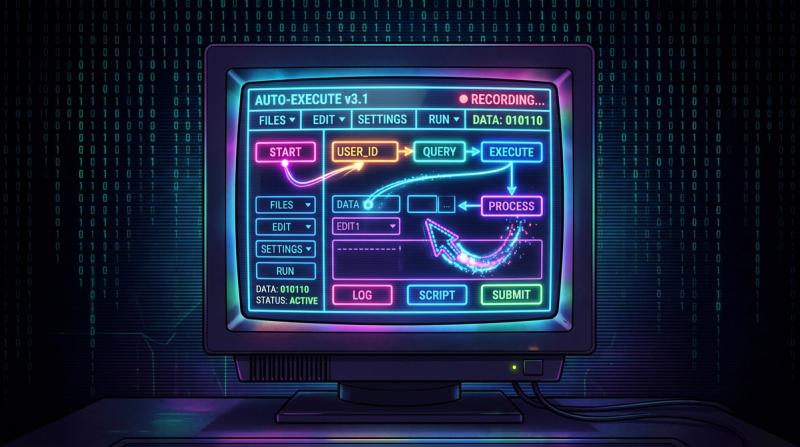
Step-by-step from a blank flow, including how to handle the parts that break the first time.
Automation bias is real: if you can automate something, it feels like you should. But some processes contain judgement calls that automation silently gets wrong, edge cases that require human revie…
You'll build a summary that calculates a custom metric for every row in your dataset without a pivot table, without helper columns, and without copying formulas down. BYROW plus a LAMBDA gives you …

This isn't 'what is a variable' Python. This is: you have a CSV that's too big for Excel, you need it filtered by date and category, and you need the result saved as a clean file. Part 1 covers exa…
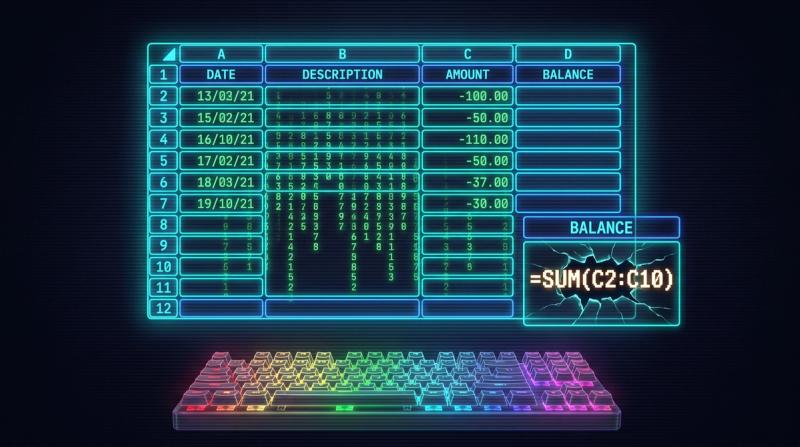
You'll build a balance tracker using SCAN and a structured table that extends itself as new rows come in. No helper columns, no fragile cell references, no 'just re-paste the formula down.' Add a r…

Running totals used to mean helper columns or array gymnastics. SCAN changes that — it applies a function cumulatively across an array and hands you back every intermediate result. Once you see it …
The counter-argument to 'if your formula needs a scrollbar to read, it's wrong.' With LAMBDA, complexity lives in one named place and gets called cleanly everywhere else. The formula in your cell c…
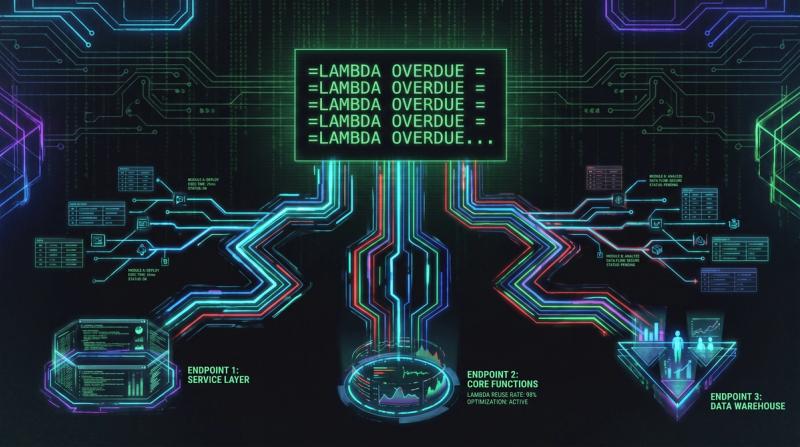
You'll build a named LAMBDA called OVERDUE that takes a date and a threshold and returns a clean status label. Then you'll call it in three different tables in the same workbook. By the end, you'll…
Before LAMBDA, every Excel function that existed was one Microsoft decided to write. After LAMBDA, you can write them yourself — naming the logic, hiding the complexity, and calling your custom fun…
One function definition in the Name Manager, and every cell in the workbook can call it like a built-in. LAMBDA + named functions means you stop copy-pasting logic and start writing like someone wh…
It is 2026, and we are still stringing together premium Power Automate connectors just to avoid the Word mail merge wizard.