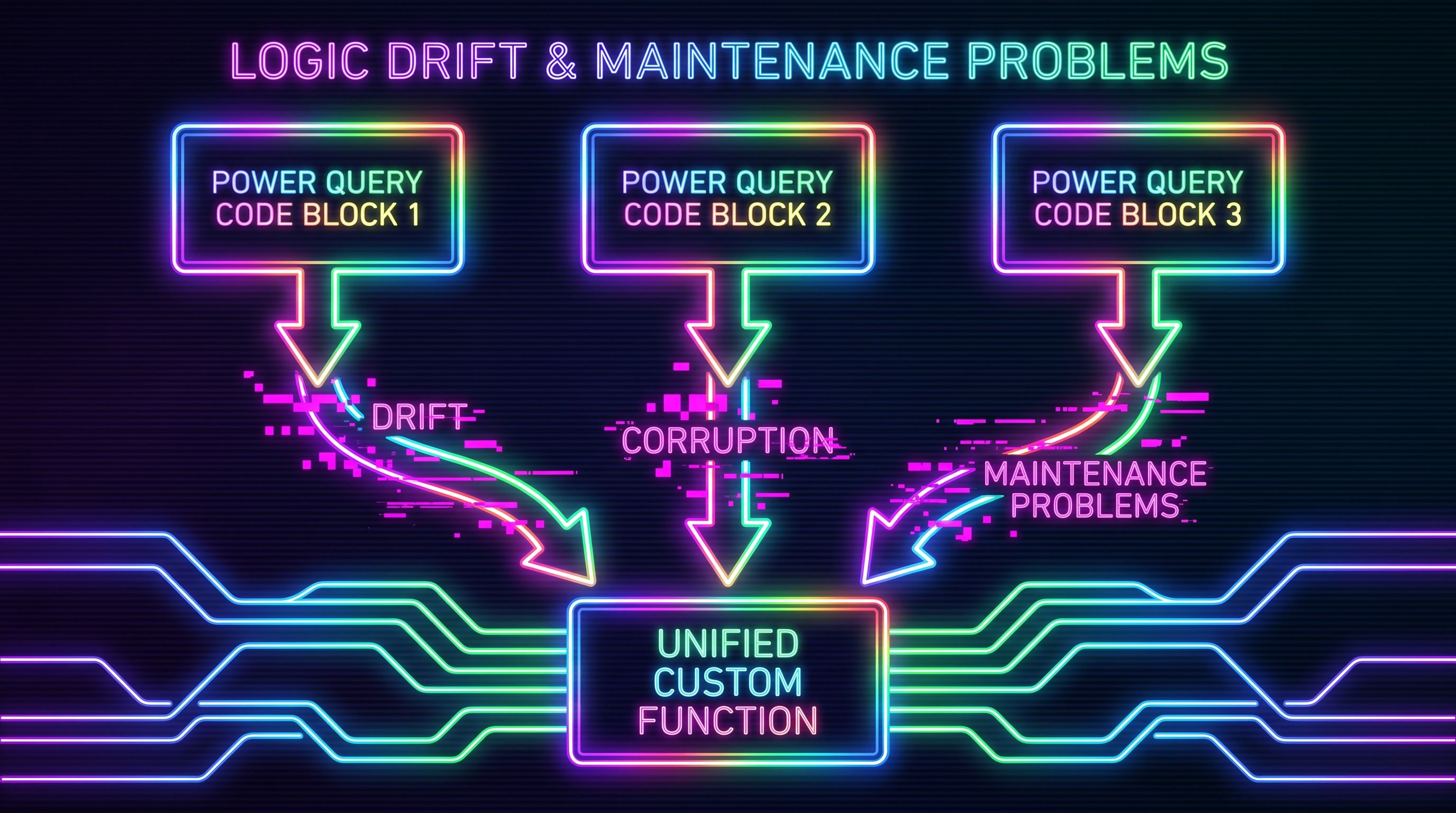
The third copy is the tell
Duplicating a query and tweaking the copy feels efficient. It is one of the more expensive things you can do in Power Query, and the bill arrives later, when the requirement changes and you have to remember every place the logic lives.
One copy is a query. Two is a coincidence. Three identical step-chains is a decision you didn't realise you were making: that this logic now has no home, only a scattering of addresses.
Why everyone does it anyway
Because duplicating is right there. Right-click a query, Duplicate, change the source, done. You have a working second query in ten seconds, and ten seconds is hard to argue with when the alternative looks like "go learn how custom functions work first."
It also feels safe. The copy is self-contained. You can see every step in the Applied Steps panel, change one without touching the others, and nothing mysterious happens at a distance. For a genuine one-off, that instinct is correct. The problem is that "one-off" has a way of becoming three, and nobody goes back to consolidate once the thing works.
So the file grows by duplication, because each individual duplication was the fastest move in the moment.
What it actually costs
Three failure modes show up over and over.
Every change becomes a find-and-replace across queries. The cleaning rule changes - a new system sends names in a casing your Text.Proper step mangles - and the fix has to land in three places. Miss one and you don't get an error. You get a Customers table that's clean and a Contacts table that quietly isn't, with no warning that they ever disagreed.
The copies drift. Someone patches a bug in the Suppliers query in a hurry and doesn't touch the other two, because they didn't know the other two existed. Now the three "identical" chains are subtly different, and the differences stay invisible until the numbers don't tie out. Duplicated logic doesn't stay duplicated. It rots at different rates.
The file stops being readable. Twelve queries that each carry their own eight-step cleanup look like twelve different jobs. The next person can't tell which steps are shared intent and which are genuinely specific to that query. The structure of the file no longer tells you anything about the structure of the work.
The common thread is memory. Copied steps record what was done without recording that it was the same thing done three times. The relationship between the copies lives only in your head, and your head is the first thing to go when the file is eighteen months old and belongs to someone else.
Write it once instead
The fix is the thing the duplication was avoiding: pull the shared steps into a custom function and have each query call it. One definition, many callers. When the rule changes you change the function, and every query that calls it inherits the fix on the next refresh. The copies can't drift, because there are no copies.
This is the same instinct as not pasting a formula into two hundred cells by hand. You wouldn't do that in a worksheet. The duplicated query is the same mistake wearing a different UI.
If you've never written one, the Jun 22 Magic Monday covers the mental model and the syntax, and the Jun 23 Build It turns a repeated cleanup into one reusable function called from three queries, end to end. Start there, then come back and look at your own file with fresh suspicion.
Frequently Asked Questions
Isn't duplicating a query fine for a one-off?
Yes. A single copy that genuinely only ever exists once is not a problem, and extracting a function you call from one place adds indirection for no payoff. The mistake is the second and third copy of the same logic. Copy once without guilt, but the moment you're about to build the third identical chain, stop and make a function.
What's the difference between a custom function and a parameter here?
A parameter stores a value you want to swap: a file path, a date, a dev-or-prod switch. A function stores logic, the actual steps. Duplicated steps are a function problem. Duplicated hard-coded values are a parameter problem. They often turn up together, but reaching for the wrong one won't fix the duplication.
Will a custom function slow down my refresh?
It can, if calling it row by row breaks query folding against a database or OData source. That is a real trade, not a free win. For in-memory cleanup of a few thousand rows you won't notice. If the source could fold the work, do it in the source step rather than a per-row function call.
How many copies is too many?
Two is the warning, three is the mistake. There is no hard law, but the moment you find yourself about to duplicate logic you have already duplicated once, that is the signal the logic wants to be a function. The cost of consolidating only goes up from there.
Can I refactor existing duplicated queries without rebuilding them?
Yes. Create a blank query, paste the shared steps into the Advanced Editor as a function, then replace the duplicated steps in each original query with a call to it. You are not rebuilding the queries, you are lifting the common middle out of them. Do it one query at a time and confirm the output matches before moving to the next.
A query you copied is a query you have to remember. A function you wrote is a query that remembers itself.