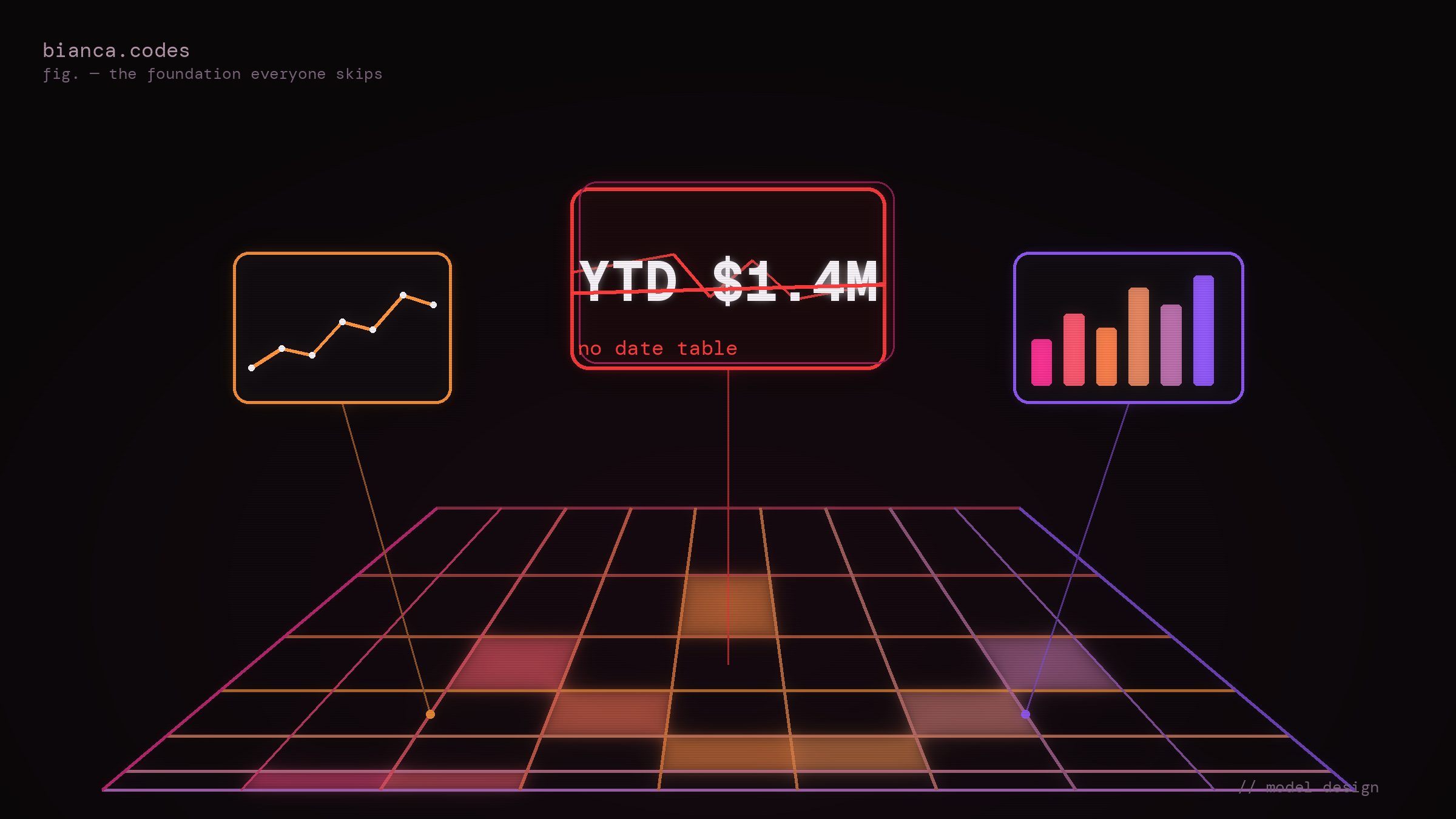
Six months ago you built a Power BI model that worked. The numbers tied out, the stakeholders nodded, and you moved on to the next thing. Last week someone opened the year-to-date sales card, put it next to the finance team's figure, and the two numbers disagreed by enough to start an email thread.
So you go looking. The measure is fine: TOTALYTD wrapped around a sum, pointed at the date column, exactly like the example you copied it from. The data is fine too, because the raw transactions reconcile to the source system down to the cent. Everything you can actually see is correct, and the answer is still wrong, which is the most unsettling kind of wrong there is.
The problem is the thing you didn't build. There's no date table in this model. There's a date column, sitting on the fact table, doing exactly what it was told. And a date column is not a date table, no matter how much it looks like one.
A date column is not a date table
The date column on your fact table records when something happened. One row per sale, each stamped with its order date. That is a fact about a transaction.
A date table is something else entirely. It's a dimension: one row per calendar day, contiguous, spanning the full range of your data, that every date-aware calculation hangs off. It exists independently of whether anything happened on a given day.
Time intelligence in DAX is built on an assumption, and the assumption is that this table exists. TOTALYTD does not sum your transactions in date order. It reads the current filter context, works out the first day of the year, and asks for every date from there up to the period you're looking at. It needs a continuous, unbroken run of dates to walk through. Hand it a column that only contains the days you happened to make a sale, and it works with what it has and returns a number that is quietly smaller than the truth. No error. No warning. Just a wrong figure that looks exactly as legitimate as a right one.
What "complete" is doing in that sentence
A complete date table means three specific things, and skipping any of them is how you get the email thread.
Contiguous. Every single day from your first date to your last, including the weekends, the public holidays, and the dead Tuesday in February when nothing sold. You generate this, you don't derive it from the data. CALENDAR or CALENDARAUTO in DAX will do it, or a Power Query that builds the range. The point is that the days nothing happened on still need a row, because year-to-date has to count them as zero rather than skip over them.
Full years. January 1 to December 31 of every year your data touches, even if your first transaction lands in March and your last in October. Year-to-date and same-period-last-year reach for the bookends of the year, and if the bookends aren't there the calculation silently shortens its own window.
Marked. Power BI has a "Mark as Date Table" setting, and it is not decoration. It tells the engine that this is the date dimension, which changes how the time intelligence functions resolve their date ranges. An unmarked table mostly behaves, right up until the specific day it doesn't, and that day is never the day you're looking.
Then come the grains, the columns you'll be glad you added: month name and month number so the slicer sorts January, February, March instead of April, August, December, fiscal year if your business doesn't start in January, quarter, day of week. You add these once, at the start, because the alternative is bolting each one on under deadline when a stakeholder asks why the axis is in alphabetical order.
Where it actually breaks, and why it waits six months
Here's the cruel part. A missing date table costs nothing on day one. The model looks finished, the demo goes well, and the bill arrives a quarter later with interest.
Auto date/time. Power BI ships with a feature switched on by default that silently builds a hidden date table behind every date column in your model. It makes basic time intelligence appear to work with no effort, which is precisely the trap. Those hidden tables don't talk to each other, they inflate the file size, and they give you no shared calendar to slice the whole model by. Everything is fine in week one and genuinely difficult to explain by month six.
Two dates, one relationship. Order date and ship date both live on your fact table. You can only have one active relationship to a single date table, so the moment you have two meaningful dates, half of your time intelligence is quietly reporting against the wrong one until somebody notices ship-based revenue moving when they filter on order date. This is role-playing dimensions, and it's exactly the kind of thing the Star Schema series gets into next.
The YTD gap. Which is where we came in. No future dates, a handful of missing days, a table that was never marked: any one of them produces a year-to-date that is confidently, specifically wrong, with nothing in the measure itself to point a finger at. You'll check the formula five times before you think to check the calendar, because the formula is the thing that looks like it does the work.
Why everyone skips it anyway
Be charitable about this, because the reason is reasonable. On the day you build the model, the date column is right there on the fact table and it works. Building a separate table, generating a contiguous calendar, marking it, wiring up the relationship: that's fifteen minutes of work that produces no visible change to the report whatsoever. Same charts, same numbers, same demo.
The cost is entirely deferred and entirely invisible, and a deferred invisible cost is the easiest thing in the world to skip when you're trying to ship something by Friday. It isn't laziness and it isn't ignorance. It's that the feedback loop is six months long, and nothing about the early model gives you any reason to believe you're standing on a problem.
The way to think about it
Stop thinking of the date table as something you add when you reach for time intelligence. Think of it as part of the foundation you pour before you build anything date-aware at all, which, in a model that any business will actually use, is essentially everything.
The date table is not a feature of your time calculations. It's the surface they stand on. And the reason to build it first, rather than when you finally need it, is that retrofitting it means re-pointing every measure and every relationship you added in the months between. A separate, contiguous, marked calendar table with every grain you'll plausibly want is fifteen boring minutes at the start of the model and a non-event for the rest of its life. Skip it, and it's a debugging session next quarter that starts with a wrong number nobody can explain and ends, eventually, back here.
Build the boring table on day one. Mark it. Give it every grain. The version of you staring at a broken year-to-date three months from now is the one you're doing the favour for. If you want the mechanics of why the year-to-date breaks rather than just the structural fix, the time intelligence deep dive takes that apart line by line.
Frequently Asked Questions
Can't I just leave Auto date/time on and skip building a table?
You can, and for a single chart with a single date it will look like it works. The problem is everything after that: no shared calendar to slice the whole model, a separate hidden table per date column, a heavier file, and time intelligence that can't reach across your tables. It's the option that costs nothing now and the most later. Turn it off and build one real table.
Do I need a date table if I'm only showing totals and no time intelligence at all?
If you genuinely never compare across time, never show a trend, and never filter by period, you can survive without one. That model is rare. The moment anyone asks for "this year versus last," or a month slicer, or a running total, you need the table, and you'll be adding it to a model that's already grown around its absence. Cheaper to build it up front than to retrofit.
Should I build the date table in Power Query or with DAX CALENDAR?
Either works, and the engine doesn't care which produced it. Power Query keeps the calendar logic with the rest of your data preparation and is easier to reuse across models. CALENDAR and CALENDARAUTO are faster to drop in when you just need a table and don't want another query. Pick the one that matches where the rest of your model's logic lives, and be consistent about it.
What does "Mark as Date Table" actually change?
It tells the engine this table is the authoritative date dimension and which column holds the dates. With it set, time intelligence functions resolve their date ranges against that table reliably, and Power BI stops generating its own hidden date table for the relationship. Without it, things often work by coincidence rather than by design, which is fine until a calculation quietly stops coinciding.
How far should the date table extend? Do I really need future dates?
It needs to cover the full calendar years of your data, start of the first year to end of the last. Future dates matter the moment you have a budget, a forecast, or a measure that compares against a period that hasn't fully closed yet. A common approach is to extend to the end of the current fiscal year so partial-year calculations have somewhere to land. What you must not do is stop the table at your last transaction.
I have order date and ship date. Do I need two date tables?
You need one date table and two relationships to it, one active and one inactive, not two separate calendars. Activate the second relationship inside specific measures with USERELATIONSHIP when you want to report on ship date instead of order date. Two physical date tables is the workaround people reach for before they learn about role-playing dimensions, and it leaves you maintaining two calendars that drift apart.