
Your nested IF statements are technical debt
A formula with six nested IFs works fine, right up until the rule changes and you're reverse-engineering a 300-character one-liner you wrote six months ago.
Tutorials, tips, and deep dives on Dynamic Arrays — every post from bianca.codes tagged Dynamic Arrays.
A formula with six nested IFs works fine, right up until the rule changes and you're reverse-engineering a 300-character one-liner you wrote six months ago.

For forty years an Excel cell could hold one of four things, and Python in Excel quietly added a fifth: a whole pandas DataFrame, living inside a single cell.
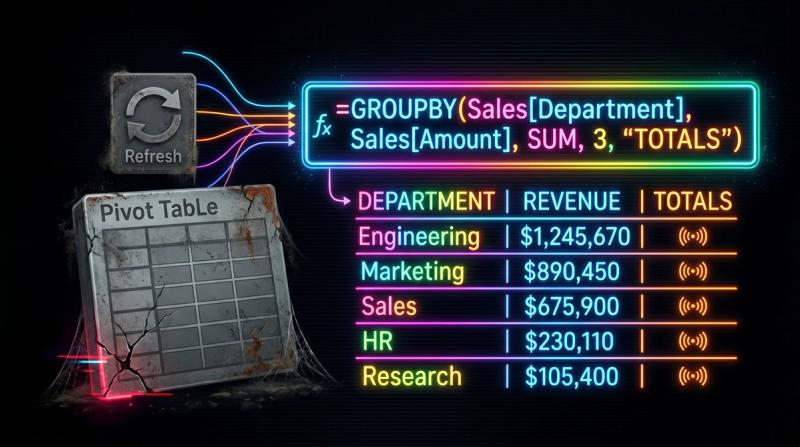
Pivot tables aren't obsolete, but reaching for one by reflex on every new analysis is a quiet tax GROUPBY does not charge.

A raw transaction table becomes a monthly sales summary by category with one GROUPBY formula - no PivotTable, no Refresh, and it updates the moment you add a row.

A pivot table is a tool you operate. GROUPBY is the same group-and-aggregate logic as a single spilled formula - the summary recalculates itself, with no fields to drag and nothing to refresh.
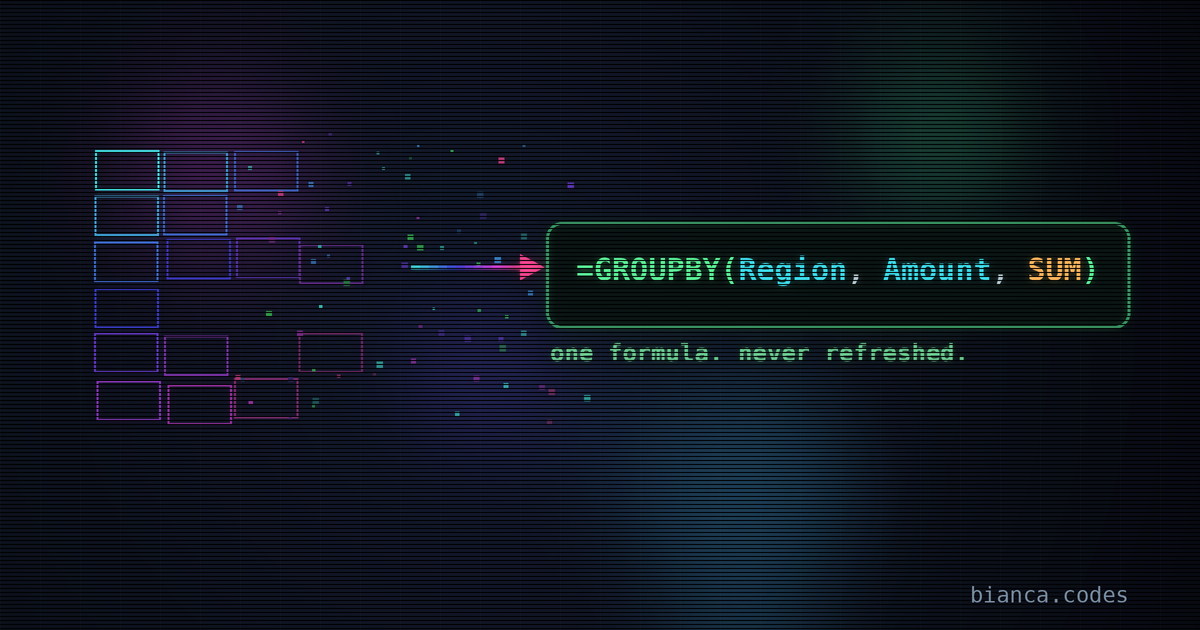
A pivot table is a snapshot that needs refreshing. GROUPBY is a formula that recalculates itself. Swapping one for the other takes about 90 seconds and removes a recurring chore.

REDUCE is the most powerful of the functional array functions and the most overlooked. The lambda which means you can accumulate strings, and replace calculations that used to need VBA.

Joining a column of names or tags into one comma-separated string used to need TEXTJOIN or a helper column. REDUCE does it in one formula, and lets you transform each item before it gets concatenated.

LAMBDA, MAP, REDUCE, SCAN, BYROW. These are functional programming primitives. Excel is shipping them one by one, and most users are still writing nested IFs. The spreadsheet you learned in 2015 has been quietly replaced by something much more powerful.

You'll build a dropdown list that reads from a structured table and includes every new row automatically. No named range maintenance, no 'why isn't my new entry showing up' moments.

MAP takes your LAMBDA and runs it on every element in an array. No helper columns, no dragging formulas, no VBA loops.

You'll build a summary that calculates a custom metric for every row in your dataset without a pivot table, without helper columns, and without copying formulas down. BYROW plus a LAMBDA gives you …

BYROW hands your function an entire row at a time. BYCOL does the same by column. Together they replace an entire category of 'drag this formula down and keep it updated' work — and when you combin…

XLOOKUP, LET, LAMBDA, BYROW, SCAN, MAP — Microsoft shipped more genuinely useful functions in the last three years than in the previous decade. If you learned Excel before 2022 and haven't revisite…

BYROW hands your function an entire row at a time — which means 'apply this logic to every row in this range' is one formula in one cell. No dragging, no CTRL+SHIFT+ENTER, no missing the last row w…

Helper columns aren't wrong. But when a running total requires three of them and breaks every time someone inserts a row, you've created fragility in exchange for familiarity. The Excel array funct…

You'll build a balance tracker using SCAN and a structured table that extends itself as new rows come in. No helper columns, no fragile cell references, no 'just re-paste the formula down.' Add a r…

Running totals used to mean helper columns or array gymnastics. SCAN changes that — it applies a function cumulatively across an array and hands you back every intermediate result. Once you see it …
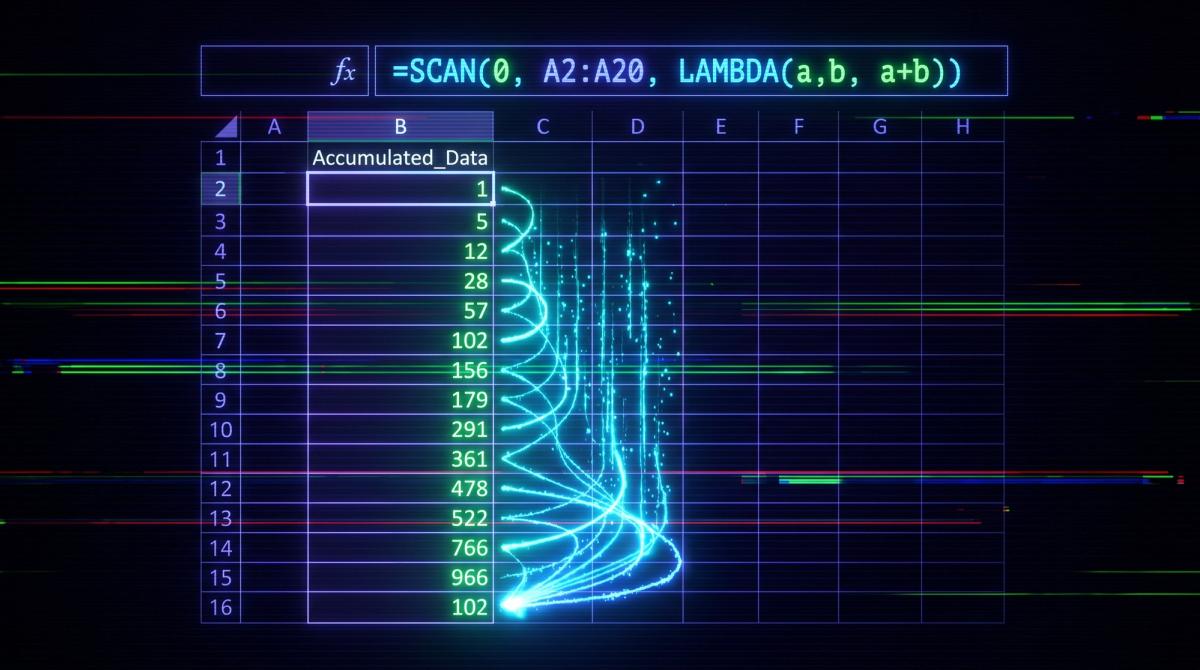
SCAN hands you every intermediate result as it accumulates — which means a running total is one formula that spills down the column. No helper rows, no dragging, no breaking when someone inserts a …

SUMX, AVERAGEX, MAXX — these functions bring row context back into a measure, which sounds helpful until they don't behave the way you expect inside a CALCULATE. Part 4 closes the series with the p…

The counter-argument to 'if your formula needs a scrollbar to read, it's wrong.' With LAMBDA, complexity lives in one named place and gets called cleanly everywhere else. The formula in your cell c…

You'll build a named LAMBDA called OVERDUE that takes a date and a threshold and returns a clean status label. Then you'll call it in three different tables in the same workbook. By the end, you'll…

Before LAMBDA, every Excel function that existed was one Microsoft decided to write. After LAMBDA, you can write them yourself — naming the logic, hiding the complexity, and calling your custom fun…
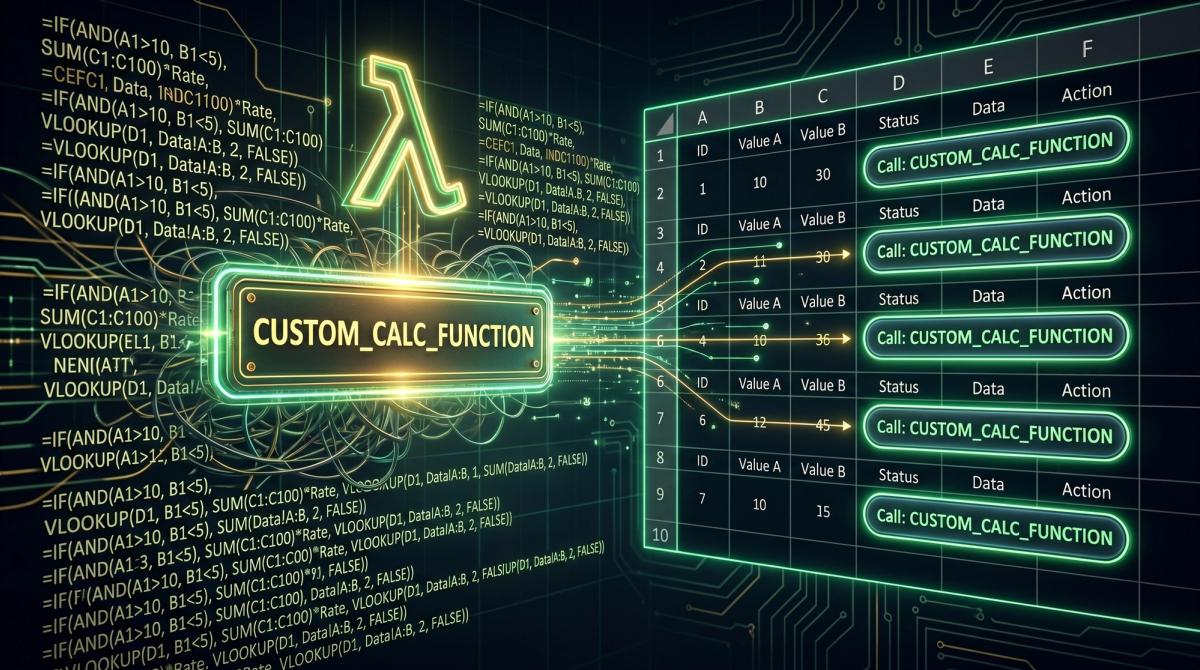
One function definition in the Name Manager, and every cell in the workbook can call it like a built-in. LAMBDA + named functions means you stop copy-pasting logic and start writing like someone wh…

I spent years writing 400-character Ctrl+Shift+Enter arrays just to filter a table, but the calculation engine finally changed the rules and killed that misery for good.