
Power Query from Scratch, Part 4: Custom columns and your first look at M
Three parts of buttons, then a request that needs an 'and' the Conditional Column dialog doesn't have - time to type your first line of M.
Tutorials, tips, and deep dives on Formulas — every post from bianca.codes tagged Formulas.
Three parts of buttons, then a request that needs an 'and' the Conditional Column dialog doesn't have - time to type your first line of M.

The first time a plain-English request turns into a real, inspectable Excel formula, the tool stops feeling abstract - and the habit that keeps it honest.

One drop-down cell, four XLOOKUP formulas, and every number on the dashboard updates itself - no PivotTable, no slicer, no VBA in sight.

Copy-pasting the same formula across a workbook used to be the only way to reuse logic - until LAMBDA let you name it and call it like any other Excel function.

Stop typing dollar signs by hand - one keystroke cycles through every Excel cell reference mode instantly.

A formula with six nested IFs works fine, right up until the rule changes and you're reverse-engineering a 300-character one-liner you wrote six months ago.
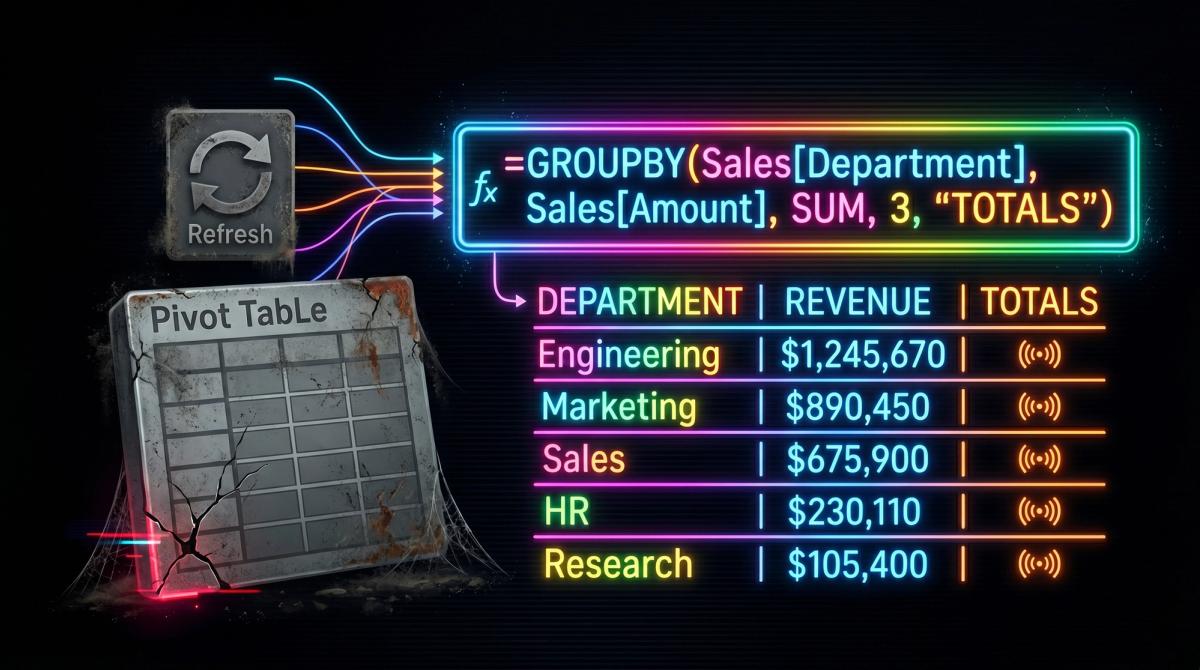
Pivot tables aren't obsolete, but reaching for one by reflex on every new analysis is a quiet tax GROUPBY does not charge.

A raw transaction table becomes a monthly sales summary by category with one GROUPBY formula - no PivotTable, no Refresh, and it updates the moment you add a row.

A pivot table is a tool you operate. GROUPBY is the same group-and-aggregate logic as a single spilled formula - the summary recalculates itself, with no fields to drag and nothing to refresh.

A pivot table is a snapshot that needs refreshing. GROUPBY is a formula that recalculates itself. Swapping one for the other takes about 90 seconds and removes a recurring chore.

VLOOKUP and XLOOKUP, but for files that don't fit in memory, joins on multiple keys, and many-to-many matches that VLOOKUP simply can't do.

SUMIFS and COUNTIFS are great — until your data has 500,000 rows and Excel is grinding. Part 2 shows how to do everything your SUMIFS does, but with pandas groupby — faster, more flexible, and on d…

This isn't 'what is a variable' Python. This is: you have a CSV that's too big for Excel, you need it filtered by date and category, and you need the result saved as a clean file. Part 1 covers exa…

Helper columns aren't wrong. But when a running total requires three of them and breaks every time someone inserts a row, you've created fragility in exchange for familiarity. The Excel array funct…

You'll build a balance tracker using SCAN and a structured table that extends itself as new rows come in. No helper columns, no fragile cell references, no 'just re-paste the formula down.' Add a r…

Complex formulas aren't the problem. Unreadable ones are. Before LET, you had to repeat the same range reference six times or accept that your formula was a black box. LET gives you named variables in

One tweak to your most-used formula and it suddenly reads like plain English. LET() lets you name the messy middle parts — so next month's you won't need to reverse-engineer what current you was …

It works, so why change it? Because every workaround you've added to compensate for VLOOKUP's limits is technical debt in your spreadsheet - and it compounds. The cost isn't visible until somethi…

Stop replacing VLOOKUPs. Your workbook deserves XLOOKUP without touching the formula.