A few posts back, I called a six-level-deep nested IF a maintenance bomb with a delayed fuse, and promised the fix was giving your logic a name. Before LAMBDA existed, "giving it a name" meant something specific and limited: write the formula once, then copy that exact formula into every cell, every sheet, every workbook that needed it. Change one rule inside it and you're hunting down every copy, hoping you found all of them.
LAMBDA is the day that stopped being the only option. Write the logic once, name it, and Excel starts treating your creation exactly the way it treats XLOOKUP: type the name, get the autocomplete, fill in the arguments, done. The formula stops being something you retype. It becomes something you call.
The mental model
Every function you already trust, XLOOKUP, SUMIFS, TEXTJOIN, is the same thing under the hood: a chunk of logic somebody at Microsoft wrote, named, and put in a library for the whole world to call. You never see the code behind XLOOKUP. You see the name, the argument list, and the result.
LAMBDA hands you a blank entry in that same library. Write the logic, give it a name in Name Manager, and from that point on your function sits next to XLOOKUP in the autocomplete list, indistinguishable to anyone using the workbook. The name is the interface. What's inside it becomes nobody's problem except the person maintaining the definition, which is exactly the deal you already have with every built-in function Excel ships with.
The syntax
The bare shape is an argument list, followed by the expression that uses them:
=LAMBDA(parameter1, parameter2, ..., calculation)On its own, in a cell, a LAMBDA does nothing until it's called. Test one inline by adding the arguments in parentheses straight after the definition:
=LAMBDA(price, tax_rate, price * (1 + tax_rate))(140, 0.08)That returns 151.2 and proves the logic before you commit to naming anything. A slightly heavier example, a shipping cost banded by weight:
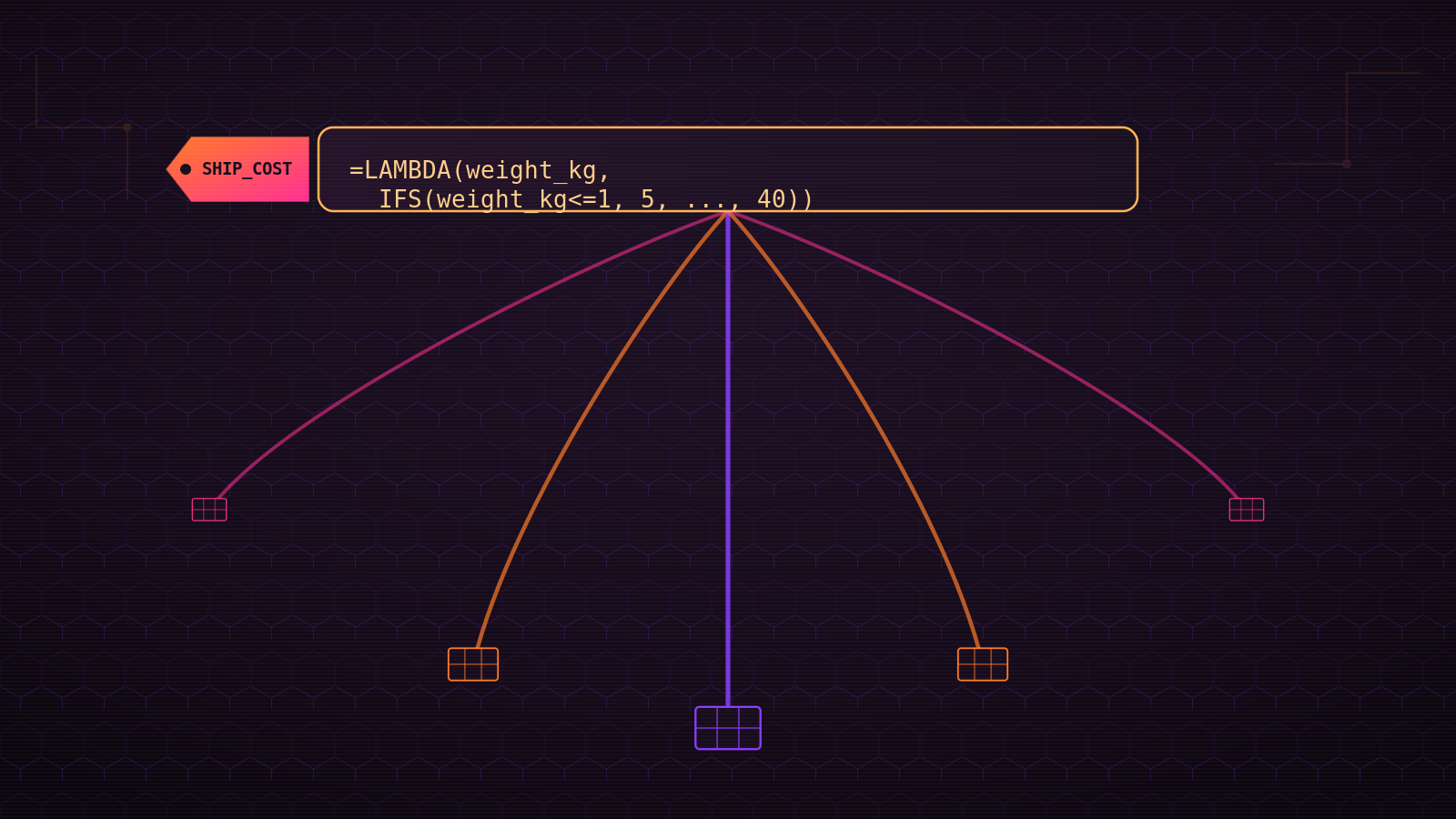
=LAMBDA(weight_kg, IFS(weight_kg<=1, 5, weight_kg<=5, 12, weight_kg<=20, 25, TRUE, 40))Same wrapper, more branches inside it. Whether the body is one multiplication or a four-way IFS, the shape doesn't change: arguments at the front, one expression at the back.
One definition, called from every sheet
Take that shipping example. Before LAMBDA, "reusable" meant this exact formula lived in a helper column on the Orders sheet, then got copy-pasted into the Returns sheet, then the Wholesale sheet, because all three needed the same weight-to-cost logic. Three copies of one piece of logic, and three places to remember to update.
Open Name Manager (Ctrl + F3), create a new name called SHIP_COST, and paste the LAMBDA (without the trailing test arguments) into Refers to:
=LAMBDA(weight_kg, IFS(weight_kg<=1, 5, weight_kg<=5, 12, weight_kg<=20, 25, TRUE, 40))Every sheet now calls the same definition instead of holding its own copy:
=SHIP_COST(B2)Type =SHIP_COST( in any cell on any sheet in the workbook and Excel autocompletes it and shows the argument tooltip, the same way it does for XLOOKUP. That isn't a loose comparison. It's the same mechanism, because you added an entry to the same name table XLOOKUP lives in.
Six months later, when the carrier changes the weight bands, you edit SHIP_COST once, in Name Manager. Every cell that calls it updates immediately. Nobody goes hunting across three sheets for the other two copies.
What it doesn't do
LAMBDA is not a general escape hatch. Three limits worth knowing before you build half a workbook on it.
It only sees what you hand it. A LAMBDA has no implicit access to the sheet around it and cannot read a cell you forgot to pass in. Every value it needs travels through the argument list. That's a feature, not a gap - it's the same reason last week's Hot Take argued a named function beats a nested IF. A SHIP_COST(B2) call is predictable and testable in isolation, because nothing outside the parentheses can quietly change its answer.
It needs Microsoft 365 or Excel 2024. Open a workbook containing named LAMBDAs on Excel 2019 or 2021 and every cell that calls one returns #NAME?. There's no partial support and no degraded fallback. The function is simply not there.
The call site has to match the signature exactly. SHIP_COST expects one argument. Call it with zero or two and Excel errors, the same strictness XLOOKUP shows when a required argument is missing. The error messages aren't always specific while you're still building the logic, which is the reason to prove it inline first, the way the tax example above did, before moving it into Name Manager.
A formula used to be something you retyped in every cell that needed it. LAMBDA is the point where it became something you name once and call, the way you already call every function Excel shipped with.
Frequently Asked Questions
Does LAMBDA work in older versions of Excel?
No. LAMBDA requires Microsoft 365 or Excel 2024. Excel 2019 and Excel 2021 don't have it, and a workbook built on named LAMBDAs returns #NAME? in every cell that calls one when it's opened there.
Can a LAMBDA call itself?
Yes, if it's named. A named LAMBDA can reference its own name inside its own definition, which is how you write recursive logic directly in a formula (a running calculation that keeps calling itself with a smaller input) without a helper column tracking each step.
Can a LAMBDA read a cell I didn't pass in as an argument?
No, and that's deliberate. A LAMBDA only has access to the values passed through its parameter list. It can't reach out to some other cell by reference unless that cell's value is one of the arguments, which is what makes a named LAMBDA behave the same way no matter where it's called from.
What is the difference between LAMBDA and LET?
LET names values inside a single formula so you're not repeating the same sub-expression twice, and those names disappear the moment that one formula finishes calculating. LAMBDA names an entire callable function that any formula in the workbook can invoke. LET solves duplication inside one cell. LAMBDA solves duplication across the whole workbook.
Do I need MAP, REDUCE, or the other array functions to use LAMBDA?
No. LAMBDA stands on its own as a way to name and reuse a calculation. MAP, REDUCE, SCAN, BYROW, and BYCOL are separate functions that happen to take a LAMBDA as one of their arguments, for applying that logic across a whole array instead of one set of inputs at a time. Useful later, not required to get value out of LAMBDA today.
What happens if I send a workbook full of named LAMBDAs to someone on Excel 2021?
Every cell that calls one of your named functions shows #NAME?. The definitions live in the workbook's Name Manager, so they travel with the file, but Excel 2021 can't evaluate them. If the workbook has to work across licence tiers, either skip LAMBDA or keep a longhand version of the formula for anyone not yet on Microsoft 365.
For the three-minute version of naming a LAMBDA in Name Manager on its own, see 3-Minute Win: Name Your LAMBDA Function. For a full build that puts one LAMBDA to work across three tables, see Build a Reusable OVERDUE LAMBDA. And for the argument this post is the payoff to, see Your nested IF statements are technical debt.