
The Power Automate trigger that ends manual file shuffling
One Outlook trigger, configured once, means invoices and attachments file themselves before you've even opened the email.
Tutorials, tips, and deep dives on Power Automate — every post from bianca.codes tagged Power Automate.
One Outlook trigger, configured once, means invoices and attachments file themselves before you've even opened the email.

SharePoint Lists are brilliant for what they're designed for and actively dangerous past that scope - and the limits bite when your solution has been accumulating data that matters.
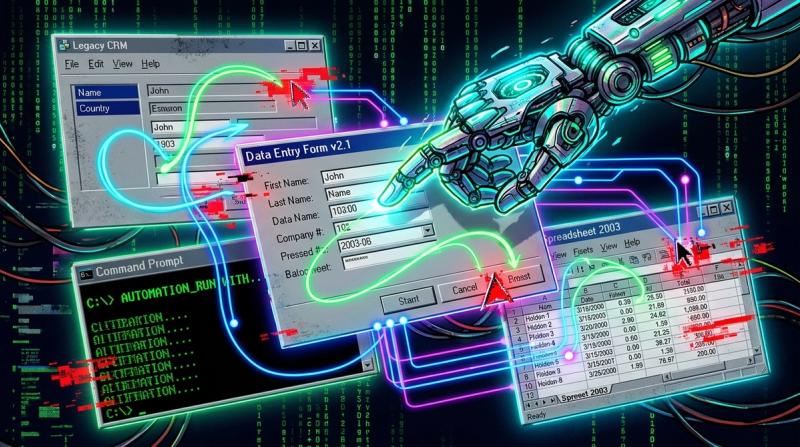
Cloud flows are great when your data lives in SharePoint or Teams. But some processes still live in legacy apps, PDFs, or the export button of a system that predates APIs.
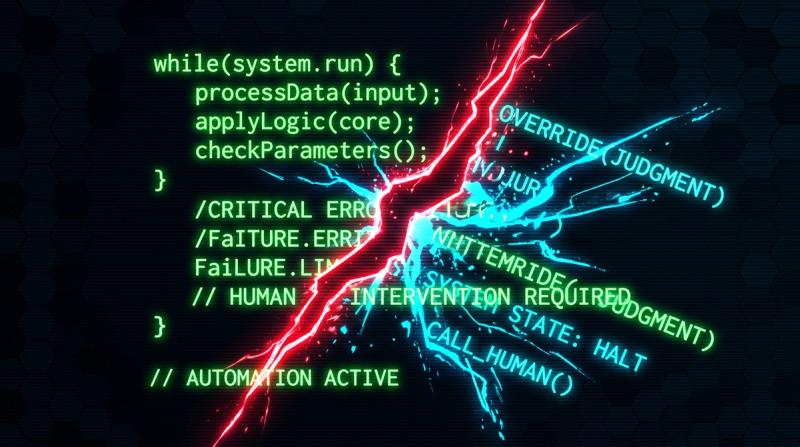
Automation bias is real: if you can automate something, it feels like you should. But some processes contain judgement calls that automation silently gets wrong, edge cases that require human revie…
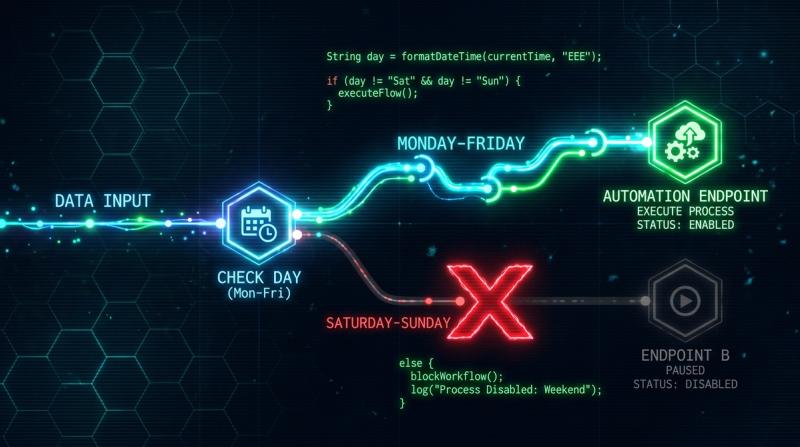
Your flow runs daily — but you only need it Monday through Friday. One condition block and a formatDateTime expression, and your automation skips Saturday and Sunday without you touching it. Three …

You built the flow. It ran perfectly for two months. Then a colleague renamed a SharePoint column, or moved a file, or changed a dropdown value - and everything stopped. This isn't bad luck. It's…
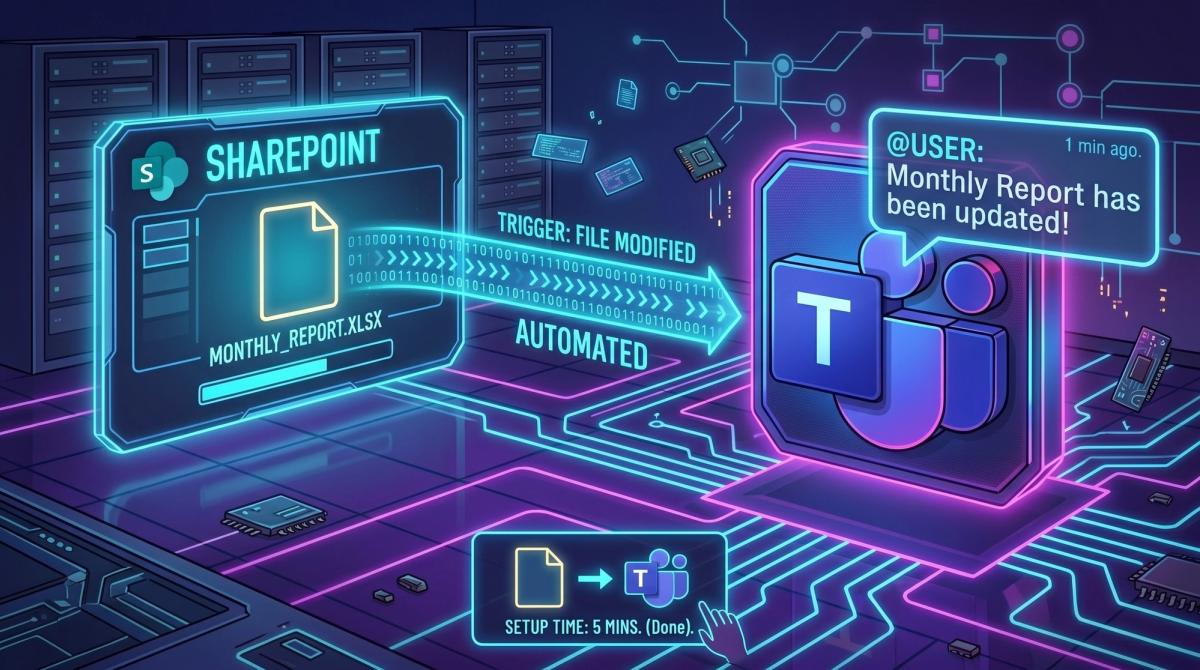
Five minutes to set up a SharePoint file-change trigger with a Teams notification. You'll never manually check whether that report got updated again.

It is 2026, and we are still stringing together premium Power Automate connectors just to avoid the Word mail merge wizard.