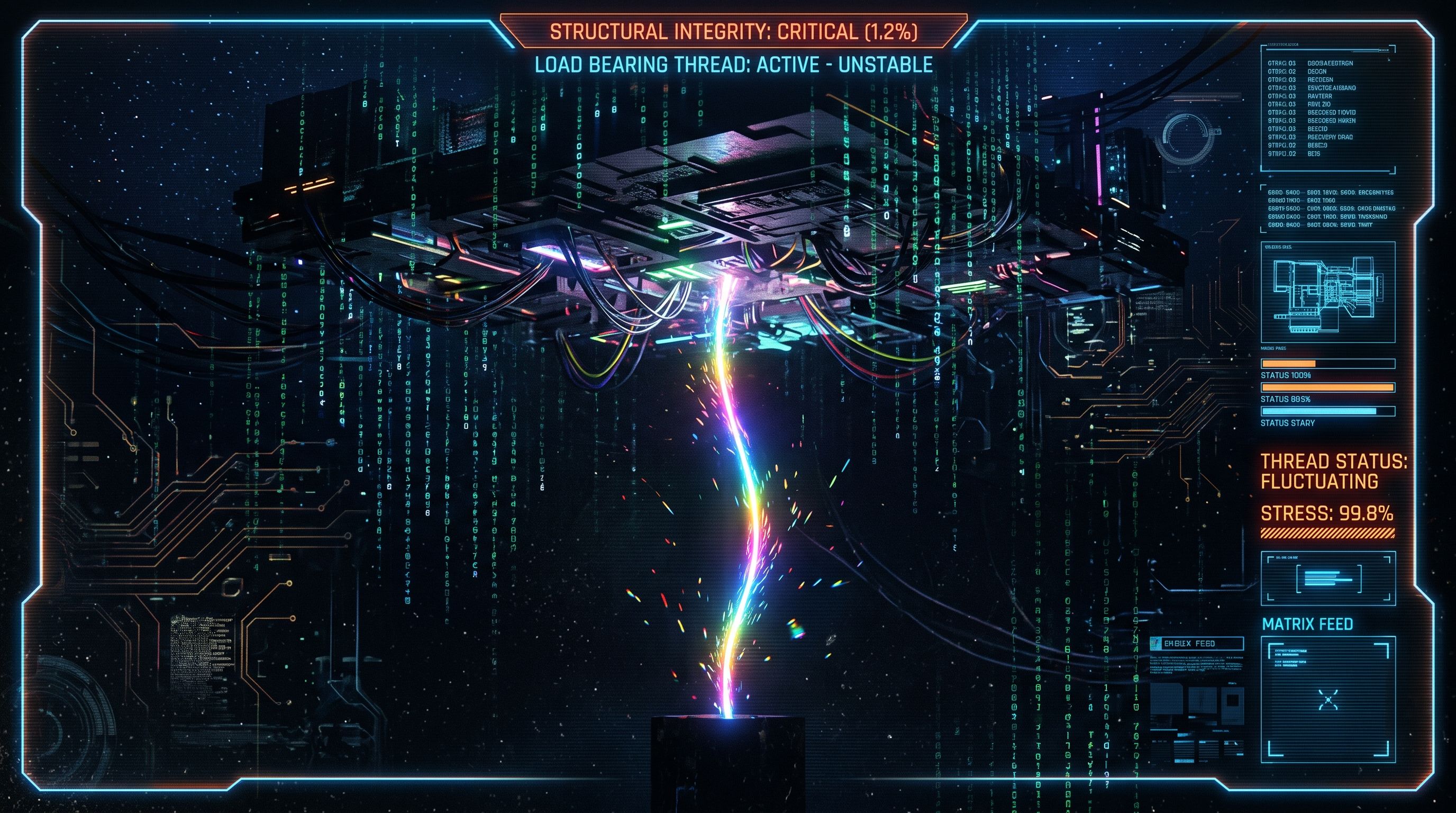
It doesn't have a backup plan, and neither do you
The flow that reroutes approvals, files the weekly report, or renames the intake files nobody wants to touch by hand has no owner listed anywhere a stranger could find, no failure alert wired up, and no written fallback for the week it stops running. That's not automation quietly working in the background. That's an unaccounted-for dependency that happens to run on a timer.
Why it ends up this way
Nobody sets out to build a single point of failure. Someone hit a real, annoying manual task, built a flow that fixed it in an afternoon, and it worked, so it kept running. There was no launch checklist, no handoff document, no "who inherits this" conversation, because it never felt like the kind of thing that needed one. It's not software, it's a shortcut. Shortcuts don't usually get succession plans.
Where that catches up with you
Three ways, all boring, all common.
The owner leaves. Power Automate connections are tied to the person who authorised them, not the team. When that account gets disabled, the connection breaks with an unfamiliar error ("account is disabled"), and unless someone added a co-owner while the creator was still around, the flow is orphaned, findable in the admin center but not fixable without exporting, reimporting, or rebuilding it.
Nobody's told when it fails. Per-run failure alerts are off by default. The only automatic safety net is a heuristic "repair tips" email that fires after an unusual pattern of failures over time, not the first time it breaks. If the flow silently stops matching on a renamed SharePoint column, the first sign of trouble is a person asking where the report went, not a system flagging it.
The manual process is gone. The flow existed to stop doing the task by hand. Two years later, the person who used to do it manually has moved teams, and the "fallback" is now a vague memory of a process that used to exist. If the flow goes quiet for a week, there's no manual version to fall back to, there's a gap.
What actually closes the gap
Three cheap things, none of which require rebuilding anything.
Name an owner in the flow's description field, and add a real co-owner before the original owner leaves, not after. Turn on run failure alerts explicitly, rather than trusting the heuristic email to catch it. And write down, once, what the manual version of this process looked like, not because you'll use it often, but because the one time you need it is the worst time to be reconstructing it from memory.
This isn't hypothetical. Triggers aren't events, they're a question your flow keeps asking covers what a trigger is actually watching for, worth reading if you're not sure your flow's condition for "run" and its condition for "this broke" are the same thing.
Frequently Asked Questions
Does Power Automate send an email automatically when a flow fails?
Not on every failure. Per-run failure alerts have to be turned on manually, per flow. The only automatic email is a heuristic "repair tips" notification triggered by an unusual pattern of failures over time, not a single broken run.
What happens to a flow when the person who built it leaves the company?
The flow isn't deleted, but its connections are tied to that person's account. Once the account is disabled, those connections break. A co-owner added beforehand can fix it; without one, the flow is orphaned and needs to be exported, reimported, or rebuilt.
Can I see who owns a flow I didn't build?
Yes, natively, no third-party tool needed. The Power Platform admin center's Environments, Resources, Flows view lists owners for every flow in an environment, and a blank Owners column is the tell for an orphaned one.
Does a lapsed Power Automate license kill the flow immediately?
No. Enforcement is staged over roughly 180 days: the admin is notified, environment restrictions apply after about 90 days, and the flow isn't suspended until roughly 90 days after that. It's a slow fuse, provided someone's actually reading the admin emails.
Is there a way to check how far back a flow's run history goes?
Run history defaults to 28 days, though admins can extend it via the underlying retention setting. Enough to spot a recent failure pattern, not enough to answer "has this ever failed before" on an older flow.
That flow doesn't need a personality. It needs a name attached to it, and a plan for the week it doesn't show up.